METAL PRINTS · MADE IN ARUBA
Your photo.
A striking new surface.
Turn a favorite memory or sweeping island view into metal artwork for your home, office, or outdoor space.
ONE PHOTO OR A WHOLE STORY
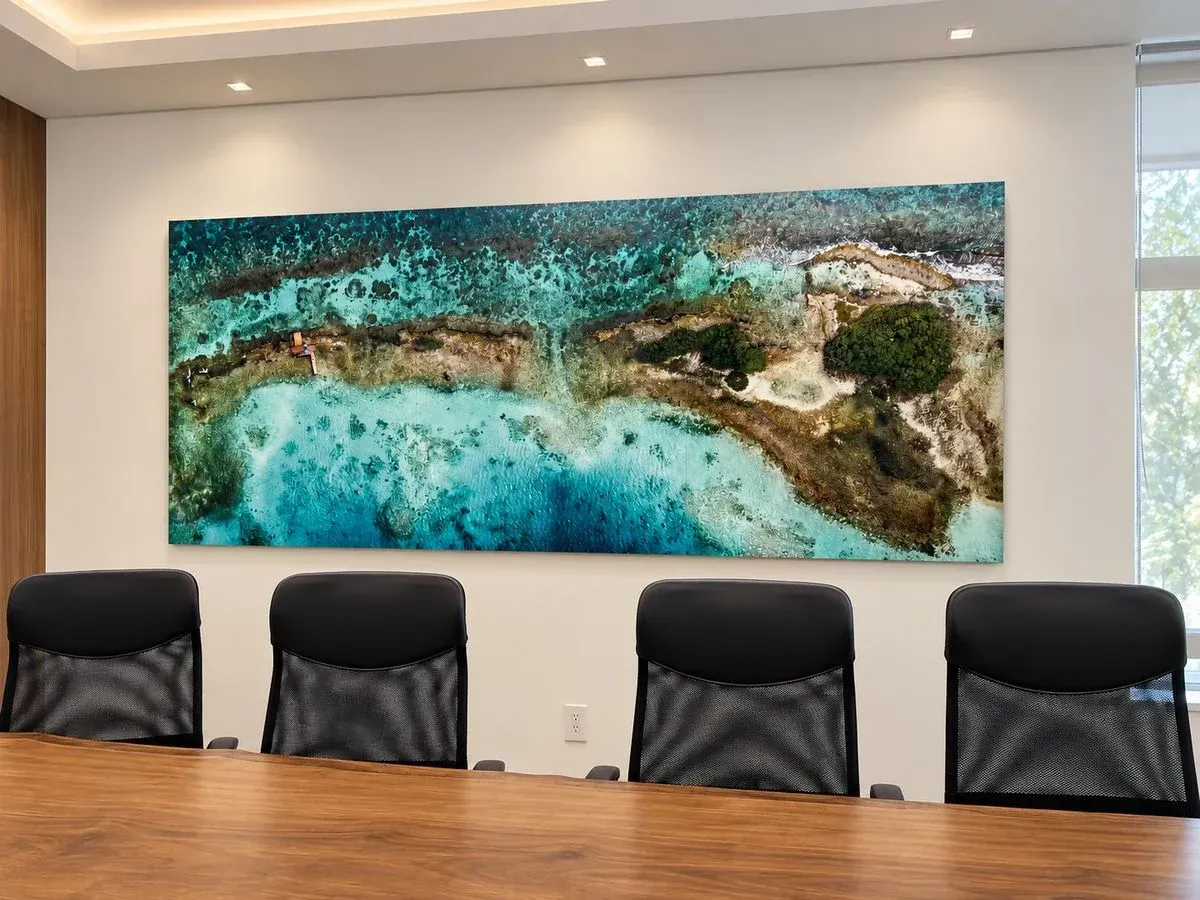
Make a statement in metal.
A favorite island view or a collection of personal memories, made into artwork for your space.
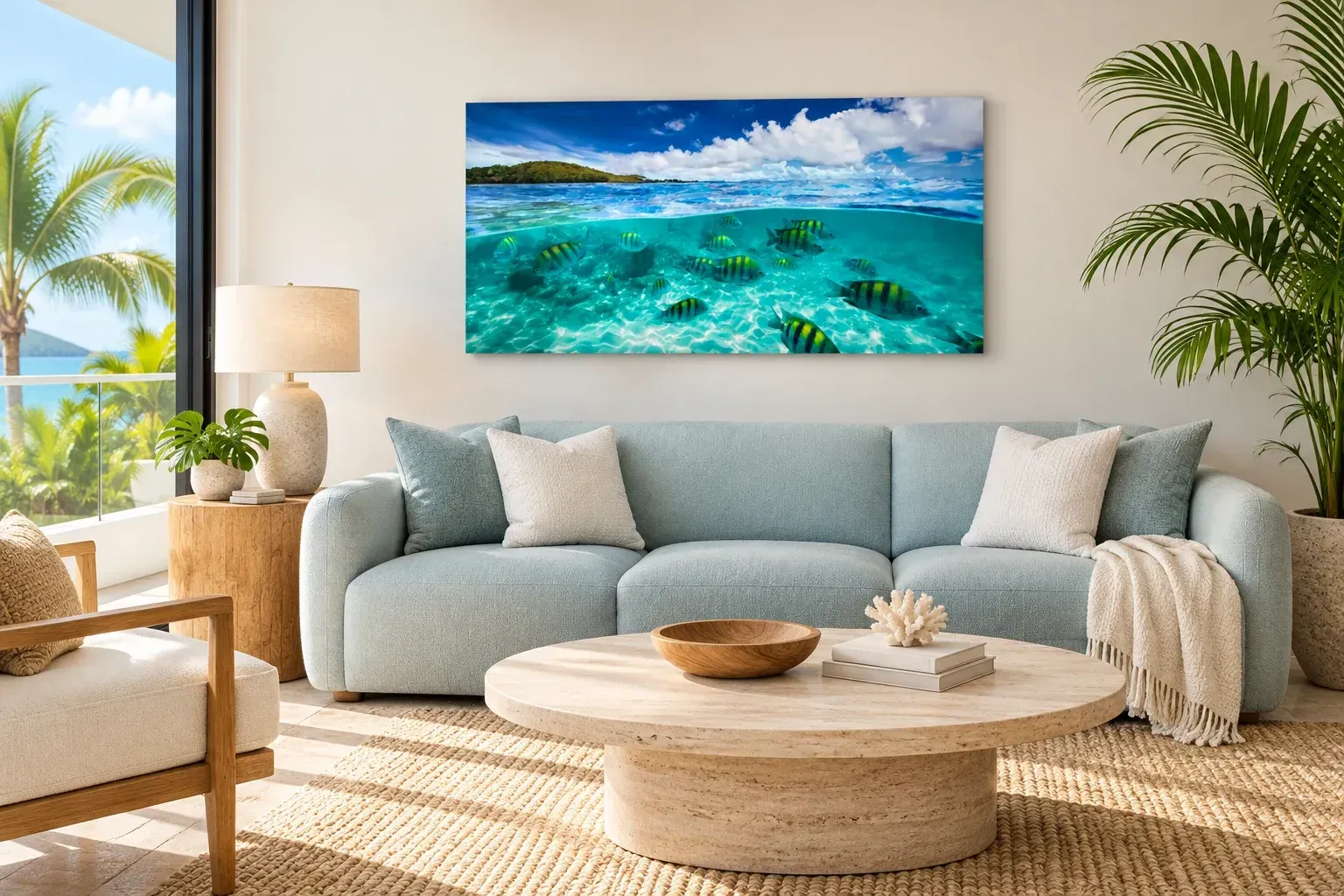
An island moment, at home.
A portrait, a treasured memory, or a panoramic view. Give it a clean, contemporary presence on your wall.
Create a photo print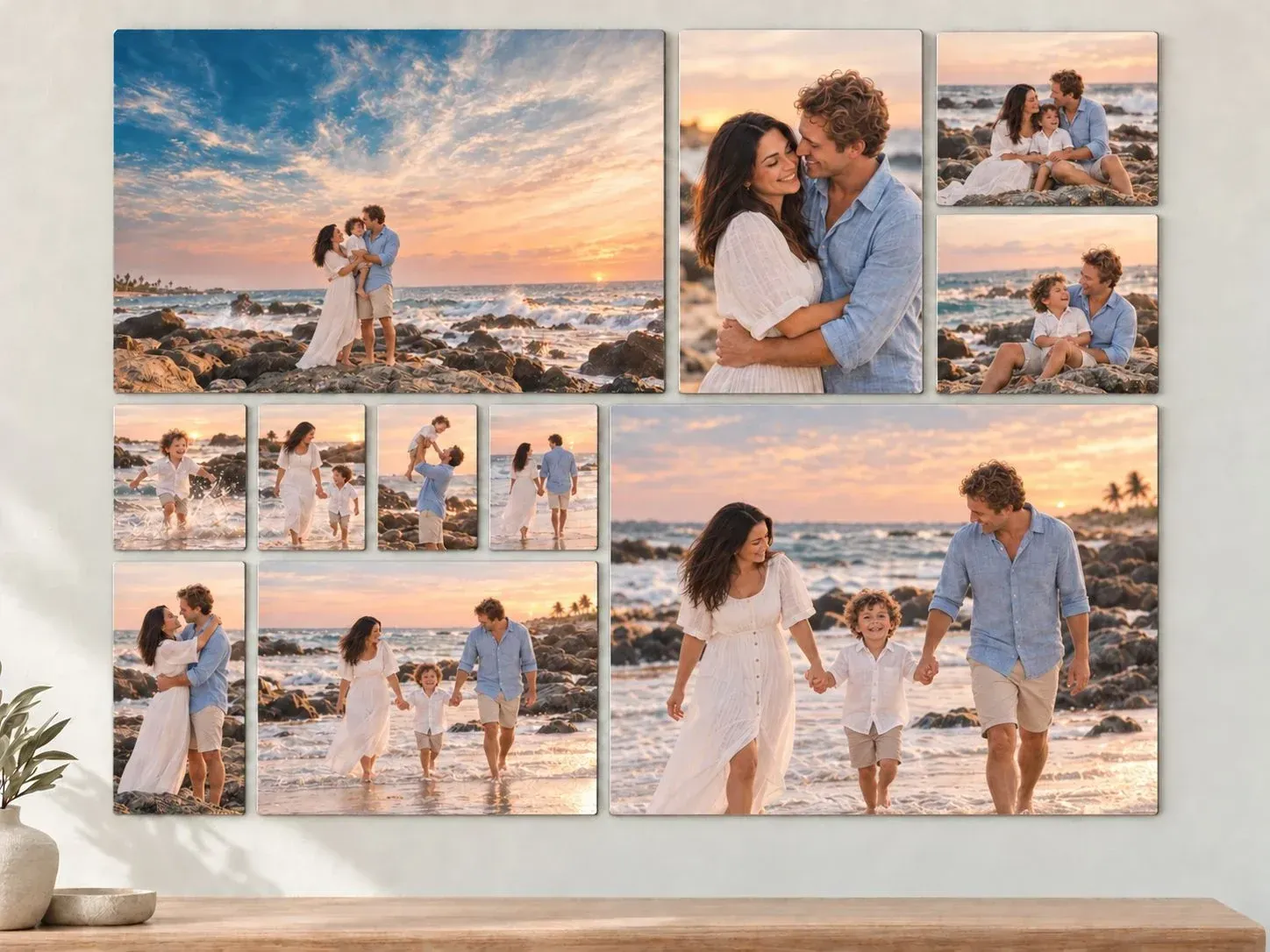
Your memories, together.
Combine photos and text in your own design, or begin with a prepared layout.
Explore metal designsHow big can I print my photo? + Open photo checker − Close photo checker
Choose a photo to see recommended metal print sizes.
Your photo stays private on your device.
JPG, PNG, WebP or HEIC · up to 40 MB
Size recommendations account for cropping to the metal print face. Resolution is only part of quality: this check cannot detect blur or missed focus. Always review your crop when ordering.
What happens if my photo is too small?
Compare the same photo at the same display size. Too few pixels usually make an enlarged metal print look softer and slightly blurry, with less fine detail.
Illustration only: this gently softened example shows loss of detail, not a calibrated preview of 150 PPI or your finished metal print. Screen size and viewing distance affect what you see.
Start with your original camera file. If your preferred size falls below our resolution target, we recommend requesting resolution enhancement (Afl. 29 per printed item). It can improve some photos, but cannot guarantee recovery of missing detail or missed focus.
Enter dimensions instead
ⓘ Where do I find my photo’s pixel dimensions?
- iPhone or iPad: Open the original photo in Photos, then swipe up or tap the information (i) button. Look for dimensions such as 4032 × 3024.
- Android: Open the photo in Google Photos or your Gallery app. Swipe up, or open the ⋮ menu and choose Details or Info. The wording varies by phone.
- Windows: In File Explorer, right-click the photo, choose Properties, then Details. Look for Dimensions, Width and Height.
- Mac: Open the photo in Preview, then choose Tools → Show Inspector. Look for Image size in pixels.
Enter the two pixel numbers—not the file size in MB or the DPI setting. Easier still: choose your photo above and we’ll read its dimensions for you.
Photo size & quality guide
Recommended photo dimensions
Use these as a starting point for a sharp original photo. Dimensions apply after cropping.
| Metal print size | Pixels at 200 PPI |
|---|---|
| 8 × 12″ | 1,600 × 2,400 |
| 16 × 24″ | 3,200 × 4,800 |
| 20 × 30″ | 4,000 × 6,000 |
| 24 × 36″ | 4,800 × 7,200 |
| 30 × 60″ | 6,000 × 12,000 |
| 40 × 60″ | 8,000 × 12,000 |
How does viewing distance affect quality?
Use 300 PPI for fine detail at close range, 200 PPI for typical wall viewing, or 150 PPI as a guide for larger artwork viewed farther away. These are planning targets. Pixel counts cannot detect blur or missed focus.
ⓘ Where do I find my photo’s pixel dimensions?
- iPhone or iPad: Open the original photo in Photos, then swipe up or tap the information (i) button. Look for dimensions such as 4032 × 3024.
- Android: Open the photo in Google Photos or your Gallery app. Swipe up, or open the ⋮ menu and choose Details or Info. The wording varies by phone.
- Windows: In File Explorer, right-click the photo, choose Properties, then Details. Look for Dimensions, Width and Height.
- Mac: Open the photo in Preview, then choose Tools → Show Inspector. Look for Image size in pixels.
Enter the two pixel numbers—not the file size in MB or the DPI setting. Easier still: choose your photo above and we’ll read its dimensions for you.
Already know your photo’s pixel dimensions?
You can check the numbers without uploading a photo.
What if my photo is too small?
Try the original camera file or choose a smaller metal print. You can also select Resolution enhancement — Afl. 29 per printed item when ordering. Enhancement may improve clarity but cannot guarantee missing detail or fix an out-of-focus photo.
OPTIONAL PHOTO SERVICE
Add resolution enhancement · Afl. 29 per printed item
Need a little more detail for a larger print? Select this option when ordering.
Learn more
The fee applies to each printed copy, including multiple copies of the same design.
Resolution enhancement increases your image’s pixel dimensions and may improve detail when enlarged. Results depend on the original file; it cannot guarantee recovery of missing detail or fix a badly blurred photo. Contact us about extensive retouching or restoration.
What size will suit my wall? + Open size & placement guide − Close size & placement guide
Compare metal print size and hanging height above a bed or sofa in one view. A useful starting point is artwork about two-thirds to three-quarters of the furniture’s width—then adjust for your room and the look you love.
About this size guide
The teal dashed line marks a 2.5-meter ceiling (about 8 ft 2 in). The rose dashed line marks 10 feet (3.05 m); the darker upper band extends to 12 feet (3.66 m). Metal print and furniture stay at the same scale. The example mattress top is 25″ (63.5 cm) from the floor; actual heights vary. The gap is measured to the metal print edge, not its hook. Bed references use US mattress widths; headboards vary. Sofa width is an example. Measure your furniture and available wall before ordering. In the three-panel illustration the selected size is the combined artwork size, plus two 2″ gaps; available split-metal print sets have their own panel dimensions.
YOUR SPACE. YOUR VIEW.
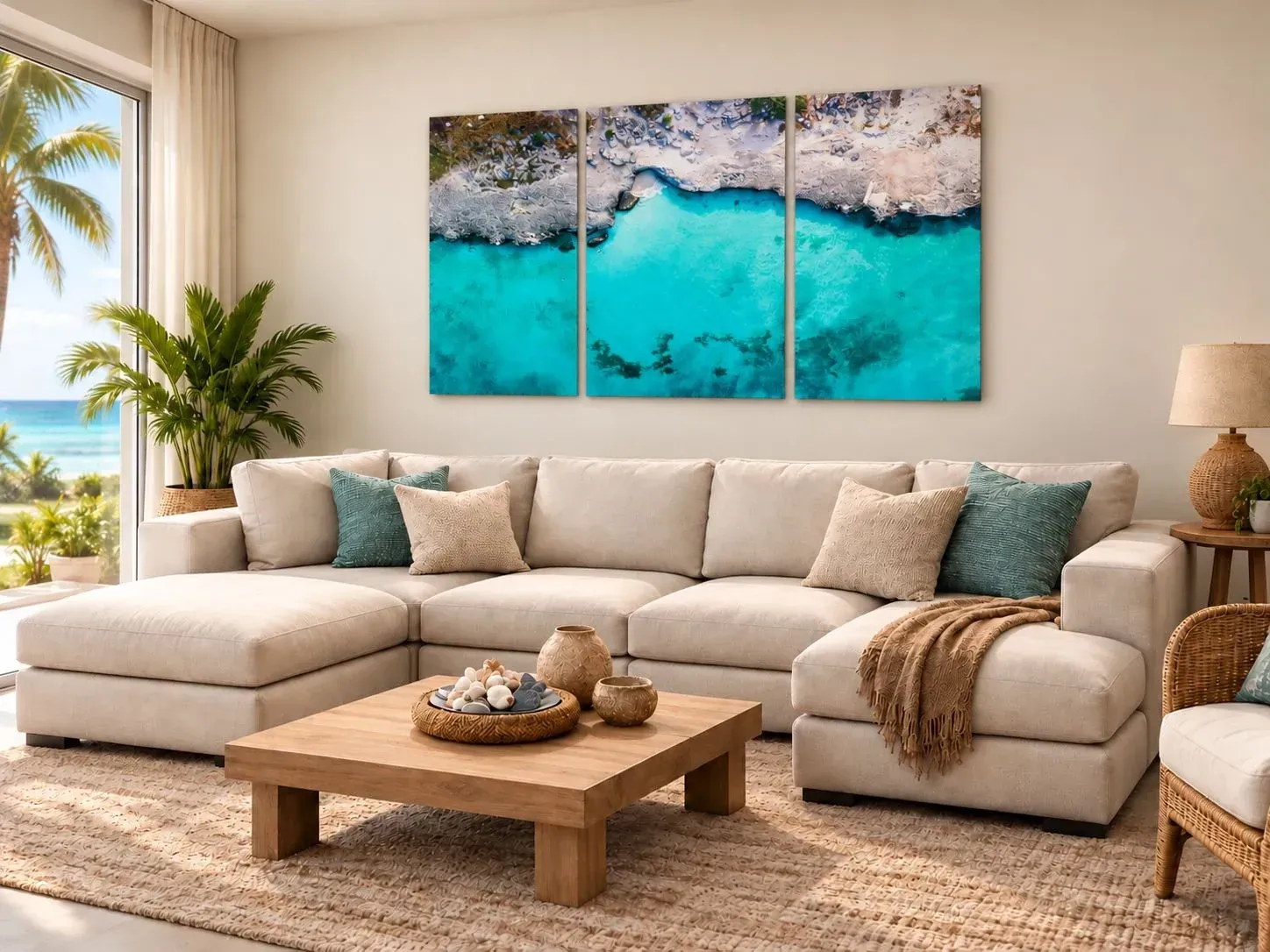
One view. Three panels.
A Tres Trapi panorama flows across three metal panels, spanning 2 meters (about 79 inches). A triptych brings a wide view to life above a sofa or across a larger wall.
Use your own photos, explore our photography gallery, or let us help plan a coordinated display.
Explore our photo galleryRoom visualization · 2-meter-wide Tres Trapi triptych. Scale is approximate; confirm measurements and panel spacing for your wall.
TRY YOUR PHOTO ACROSS THREE PANELS
Preview your metal triptych.
Upload a photo, compare panel sizes, and adjust the spacing. Dimensions below include both gaps; each panel size is shown separately.
Your photo stays on your device. JPG, PNG or WebP.
Adjust your photo & viewing distance
Drag the photo to reposition it. Spacing separates the panels without removing strips of your image. Preview shows thin metal panels; review final cropping and size availability when ordering.
Layouts are planning previews. Confirm the size, finish, and mounting options for your order.
YOUR WALL. YOUR PHOTO.
See it in your room
Upload a room photo and your favorite image. Try a size and find its place on your wall.
ROOM INSPIRATION
See Duraluxe™ in beautiful spaces
Printed by 4D Photo Bar. Explore our artwork on different metal finishes.
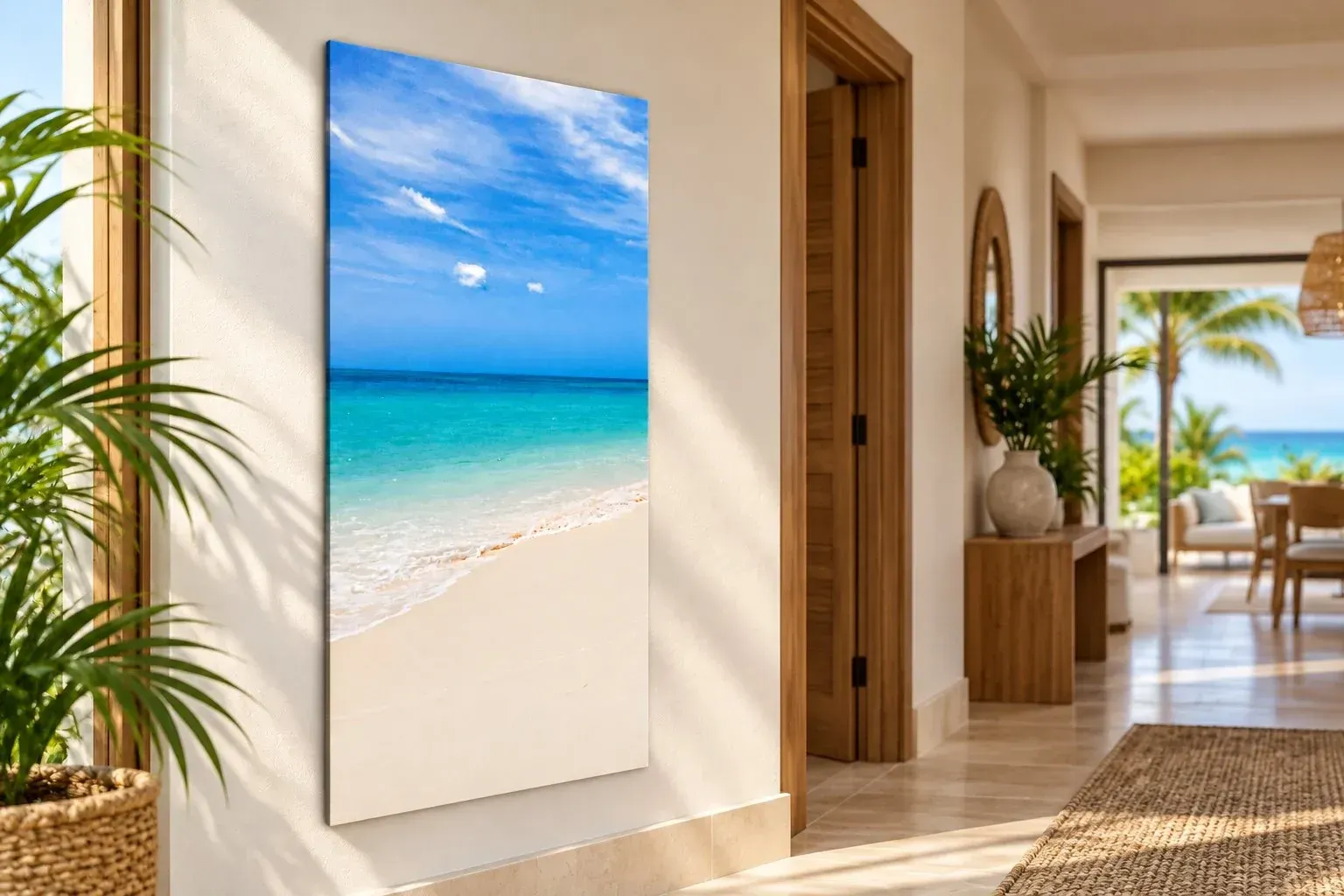
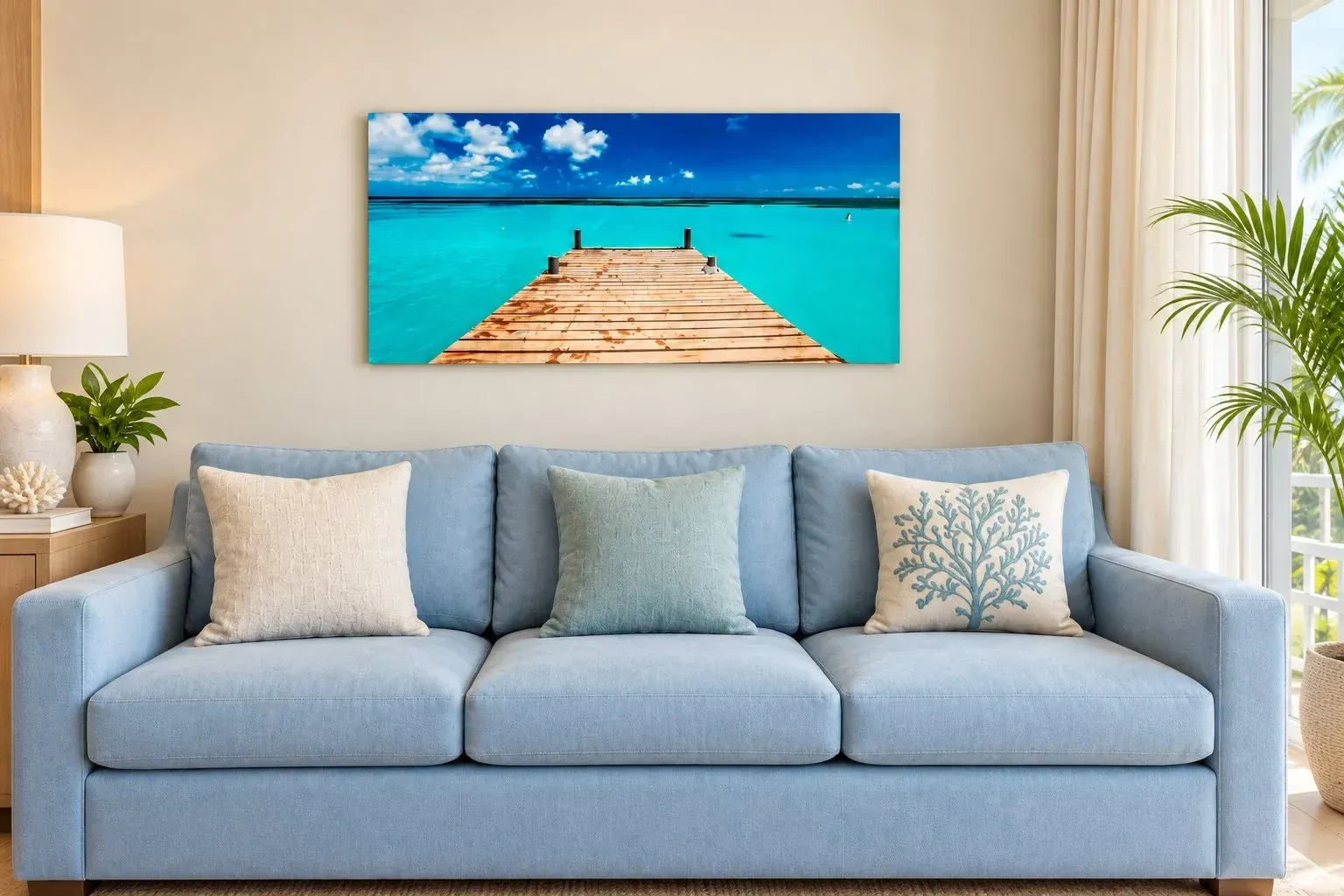
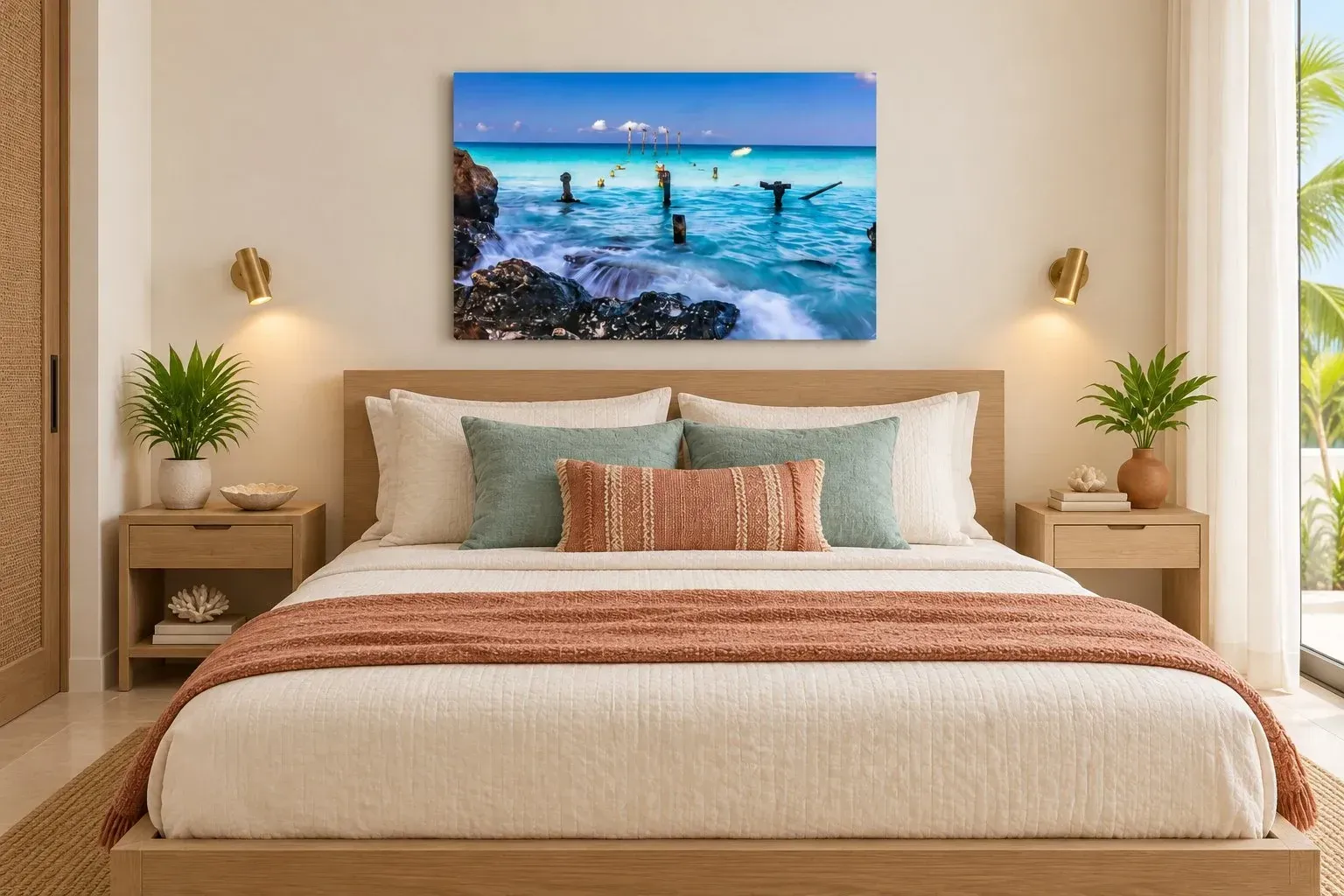
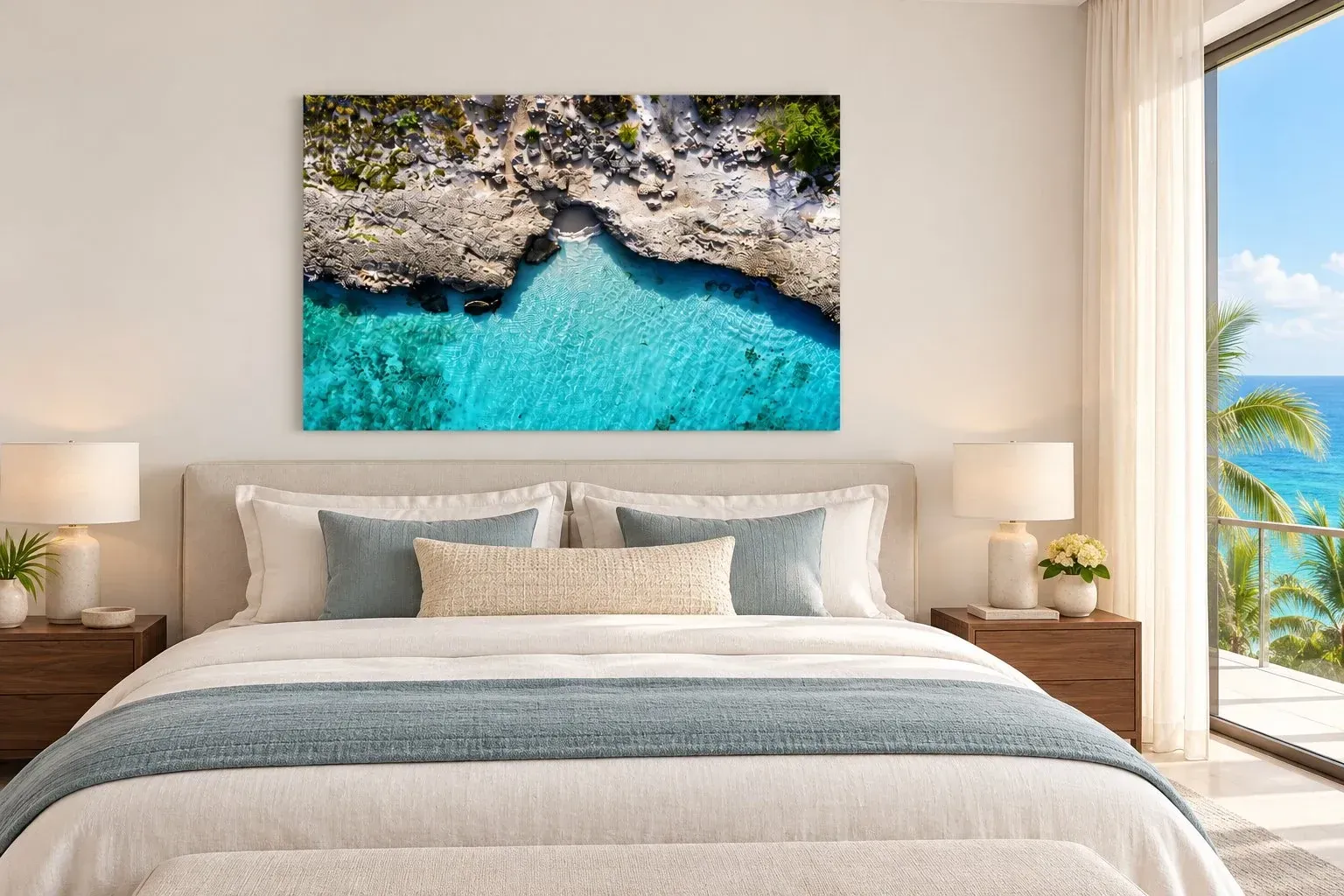
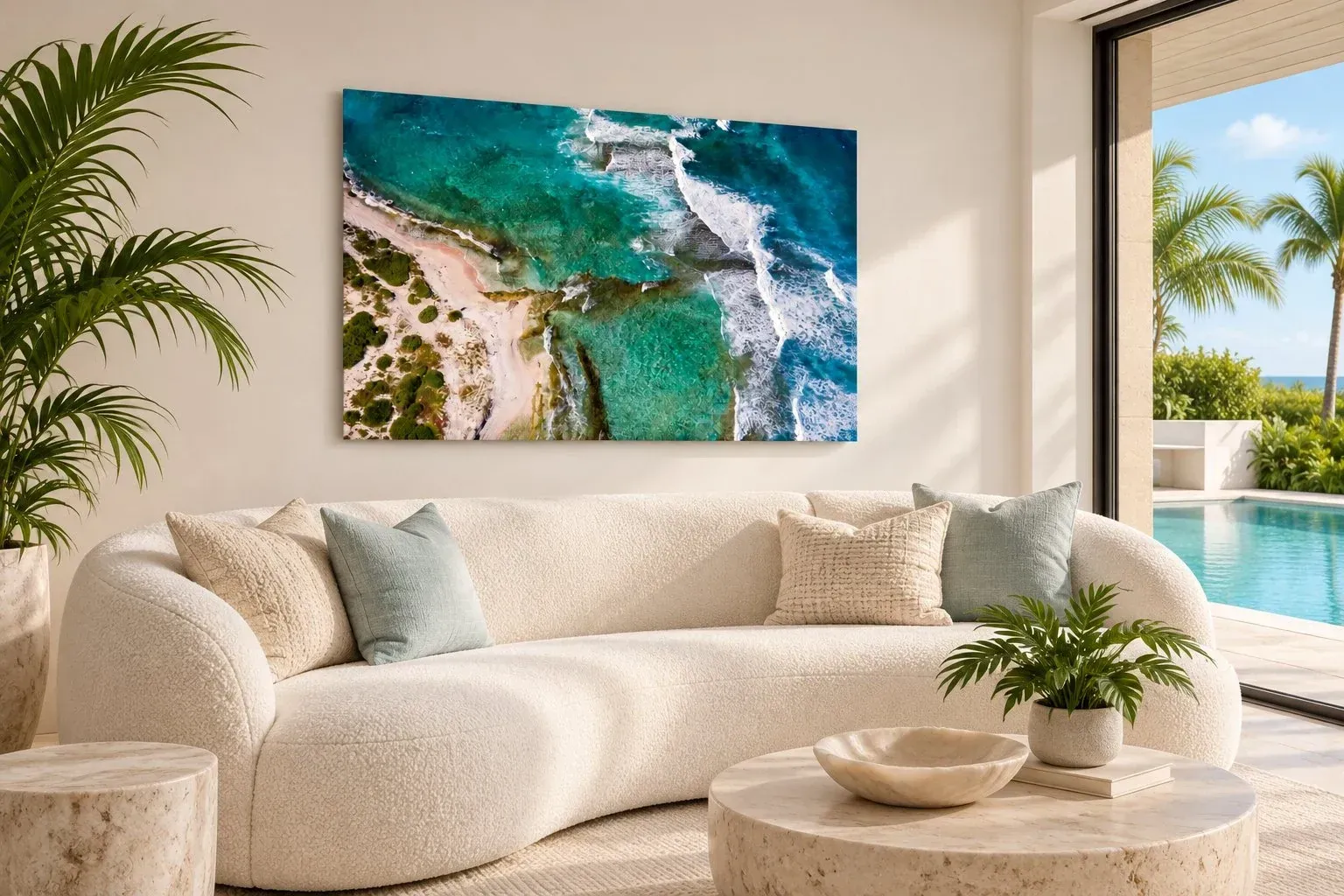
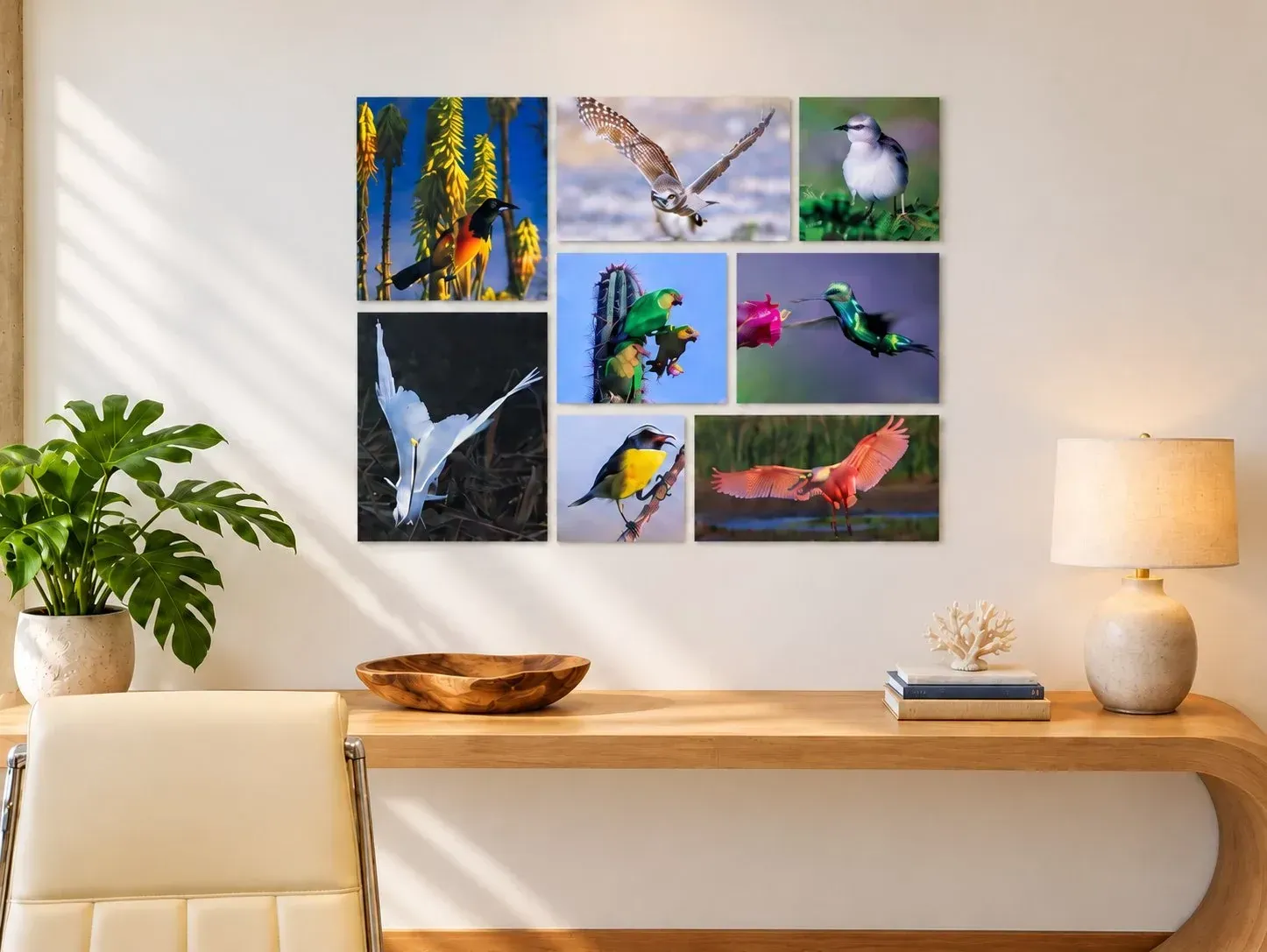
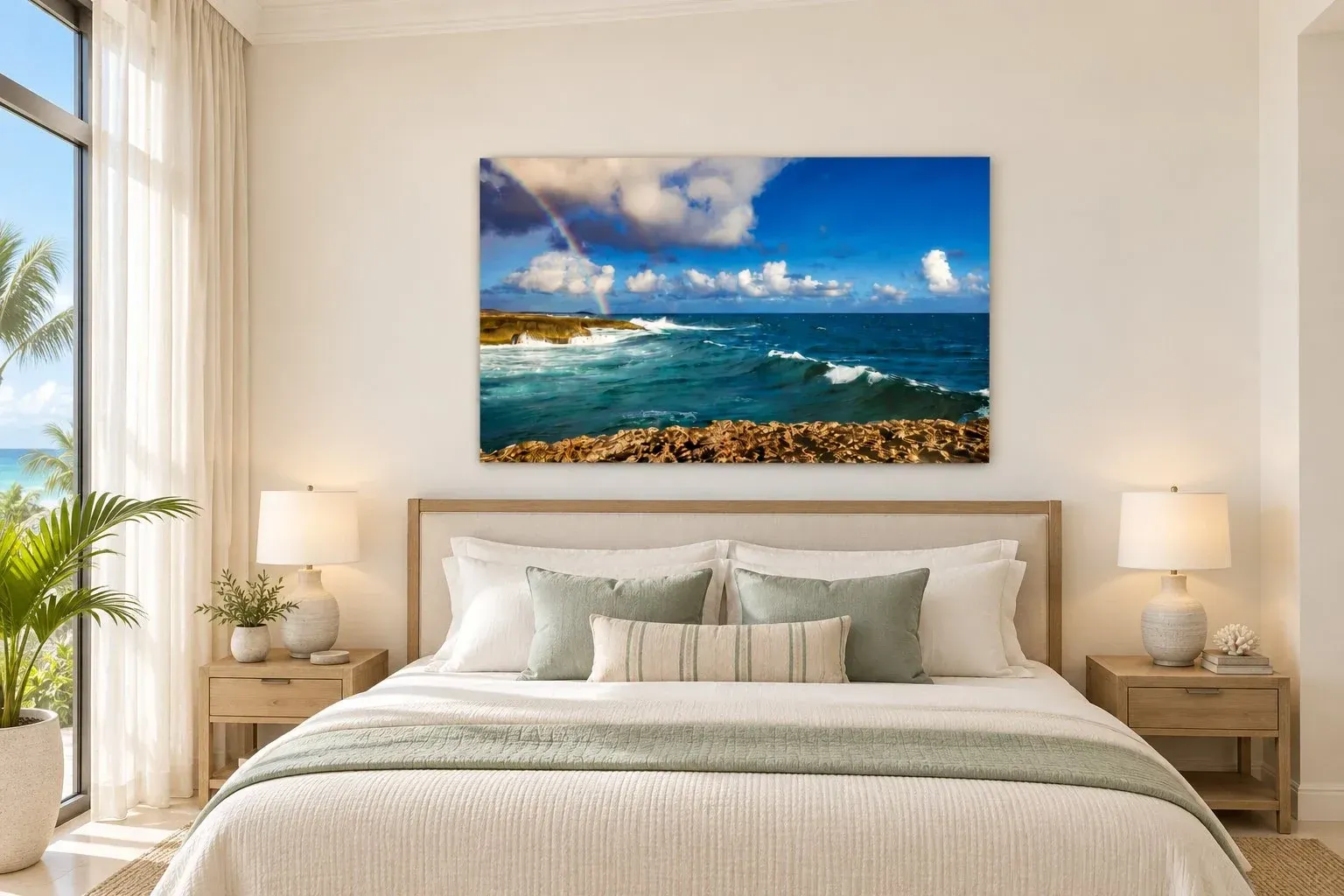
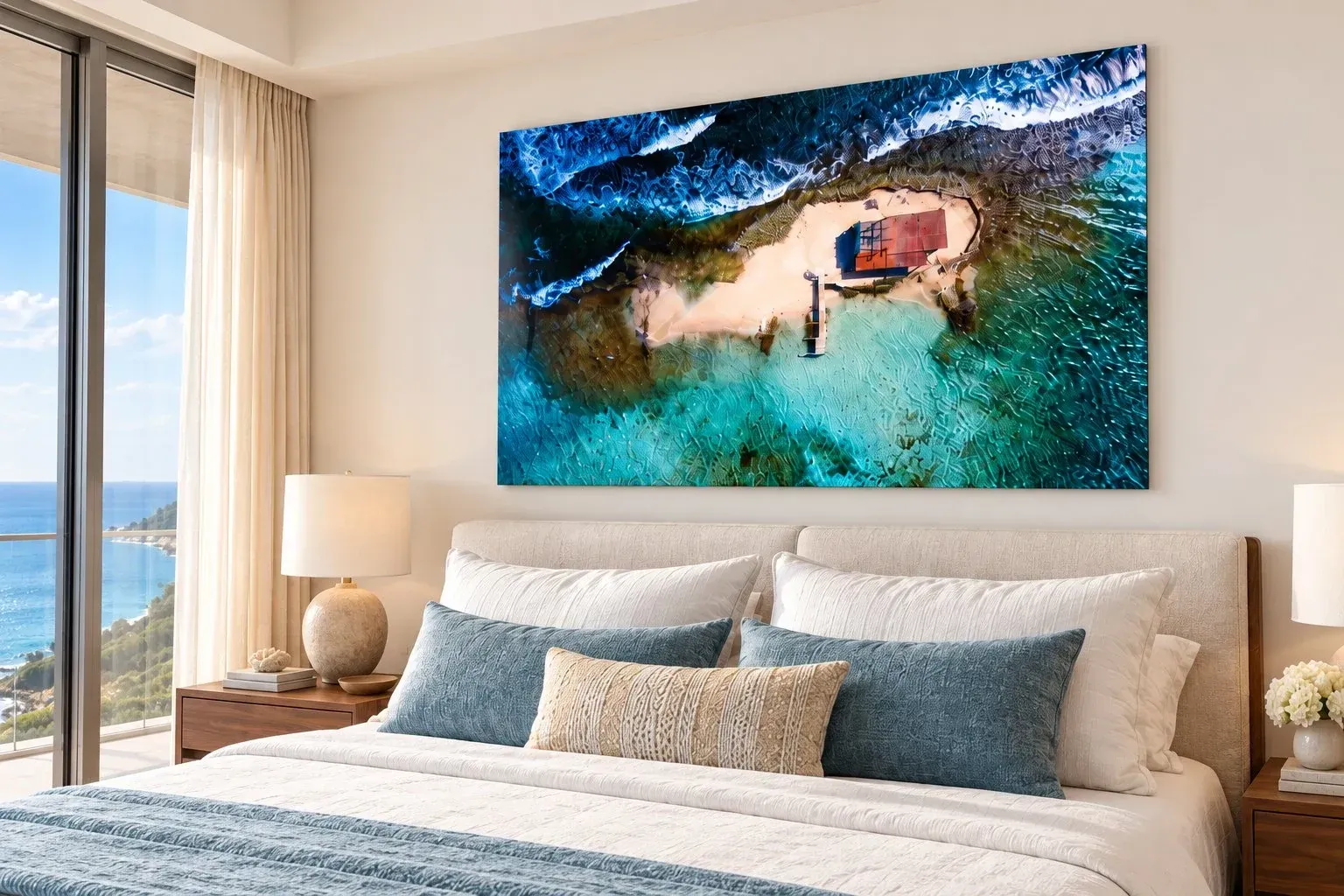
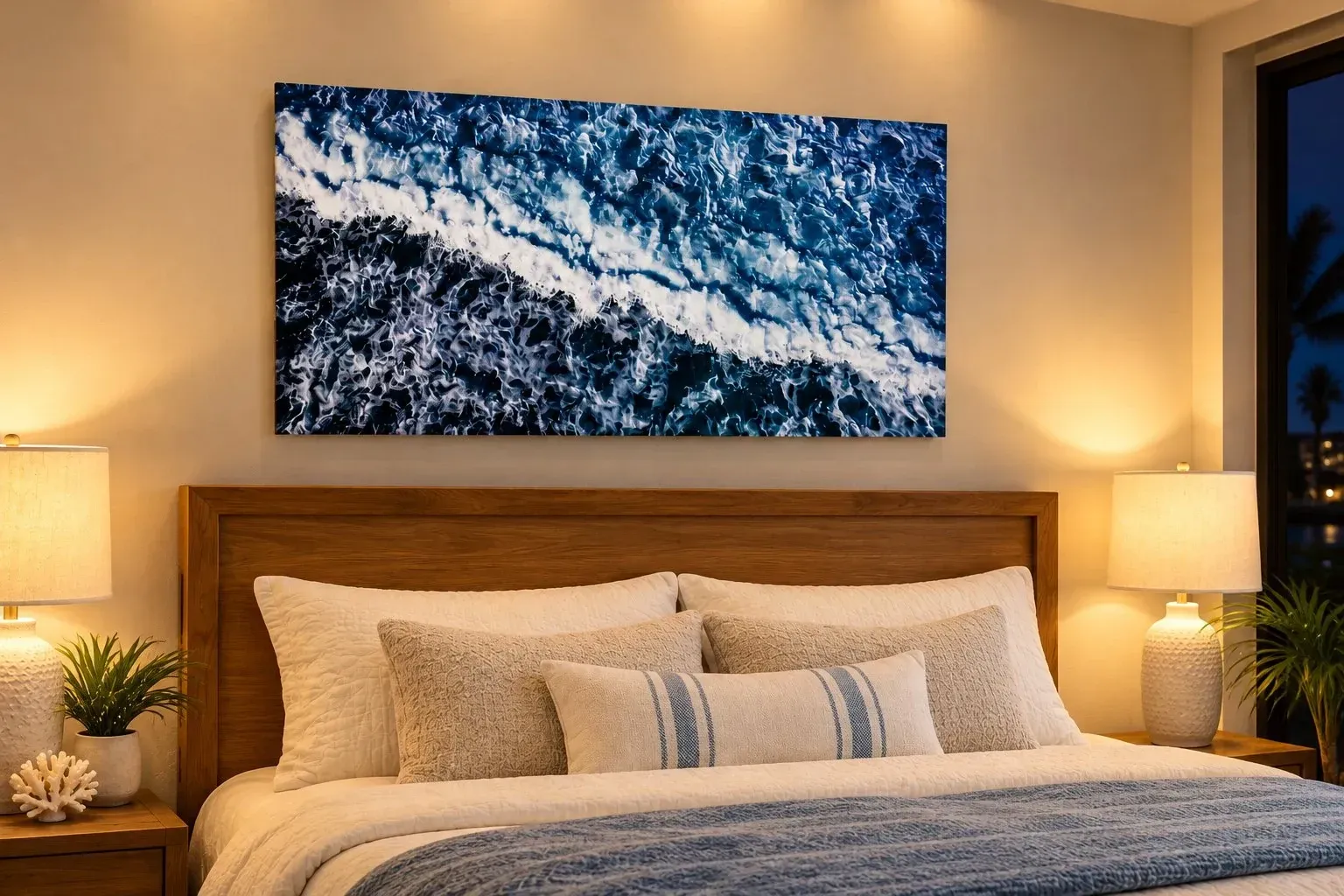
Styled room visualizations. Swipe or use the arrows to explore.
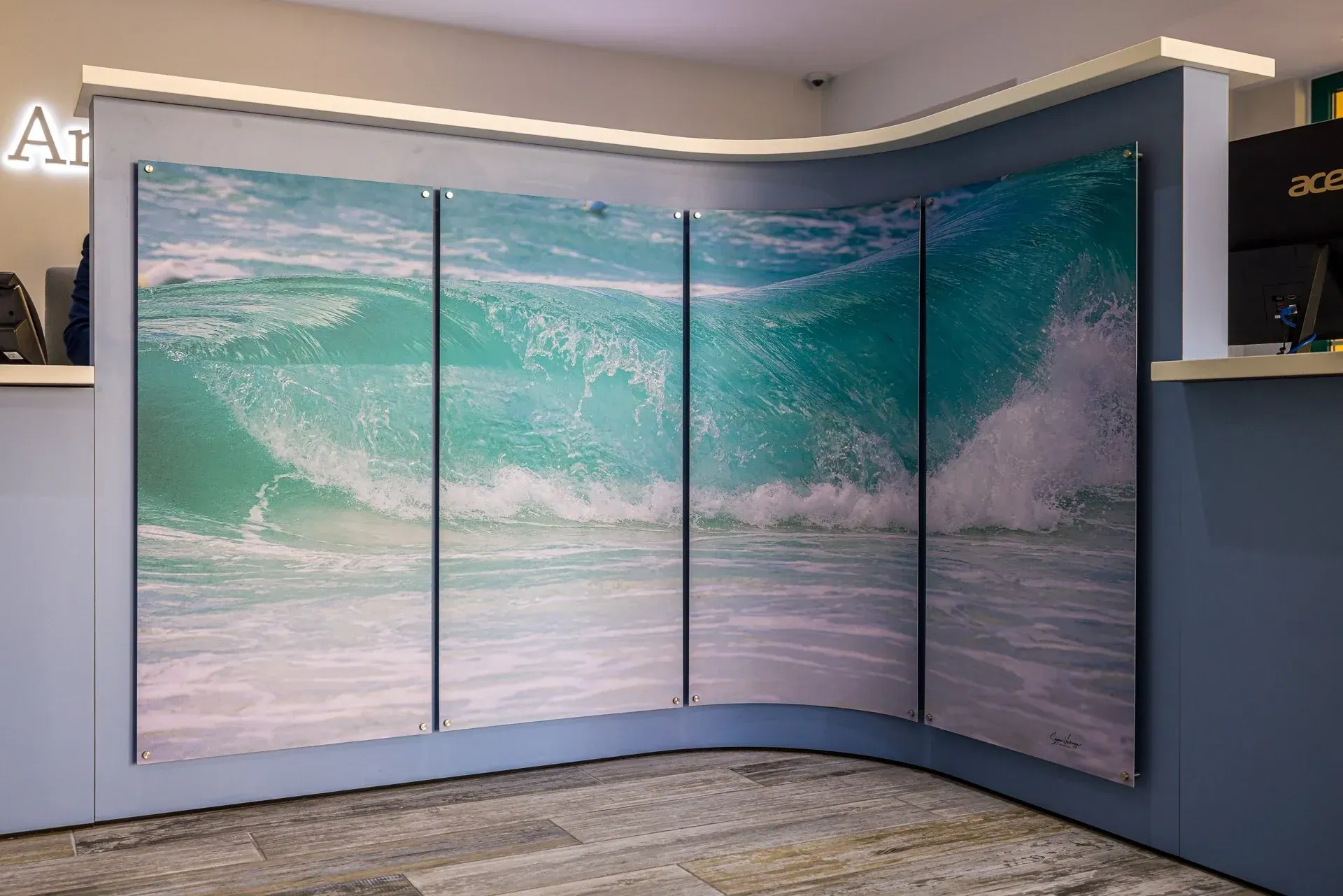
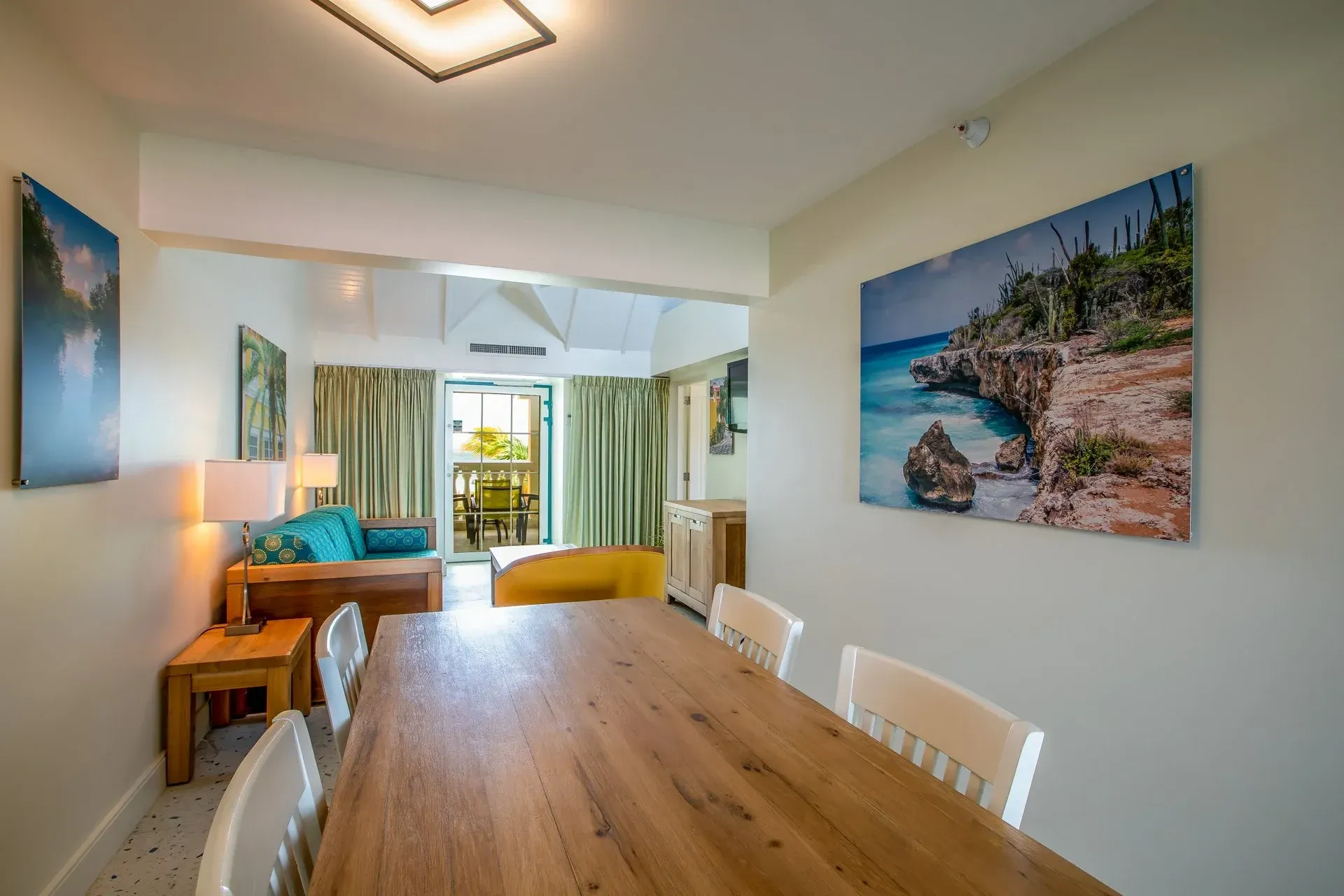
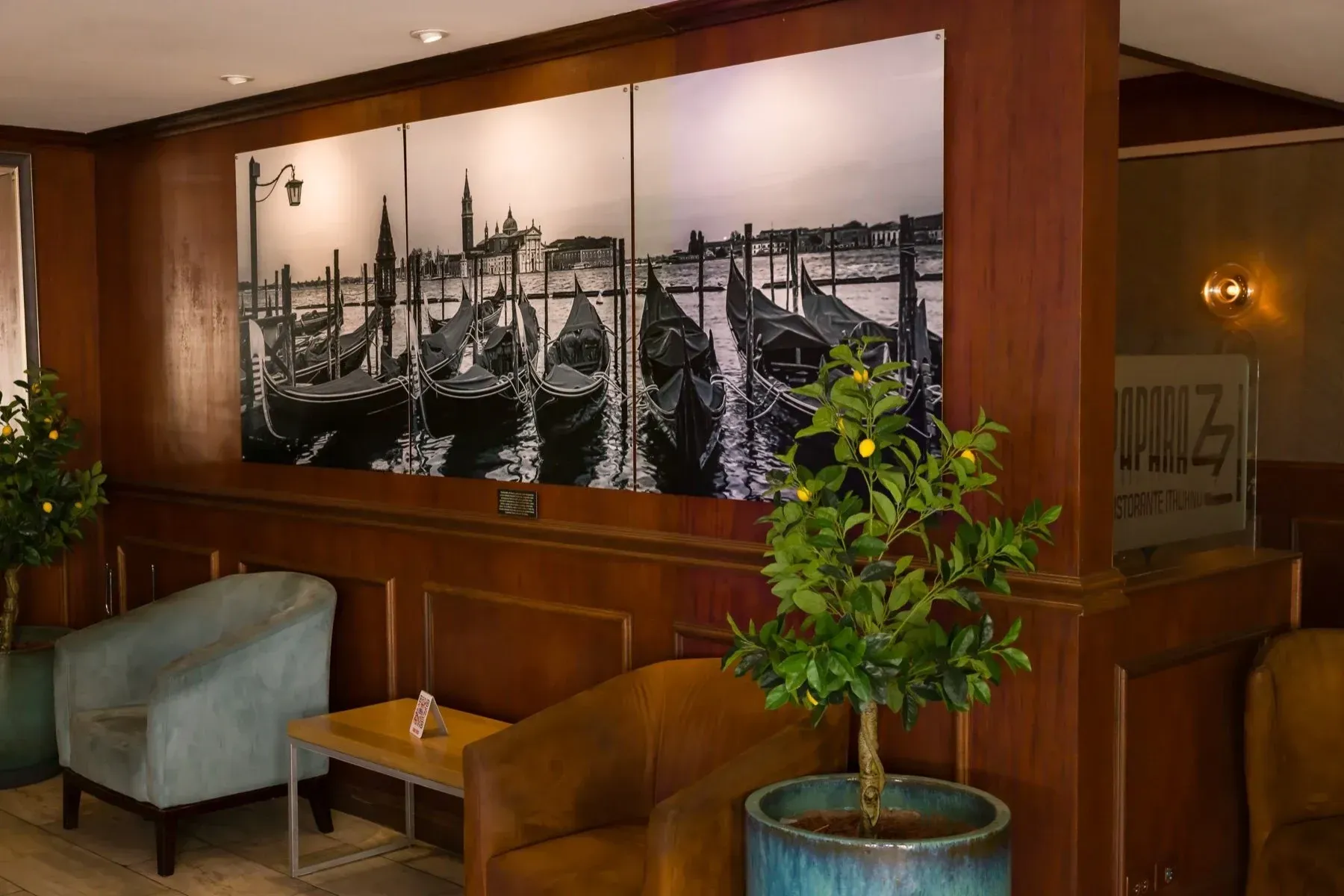
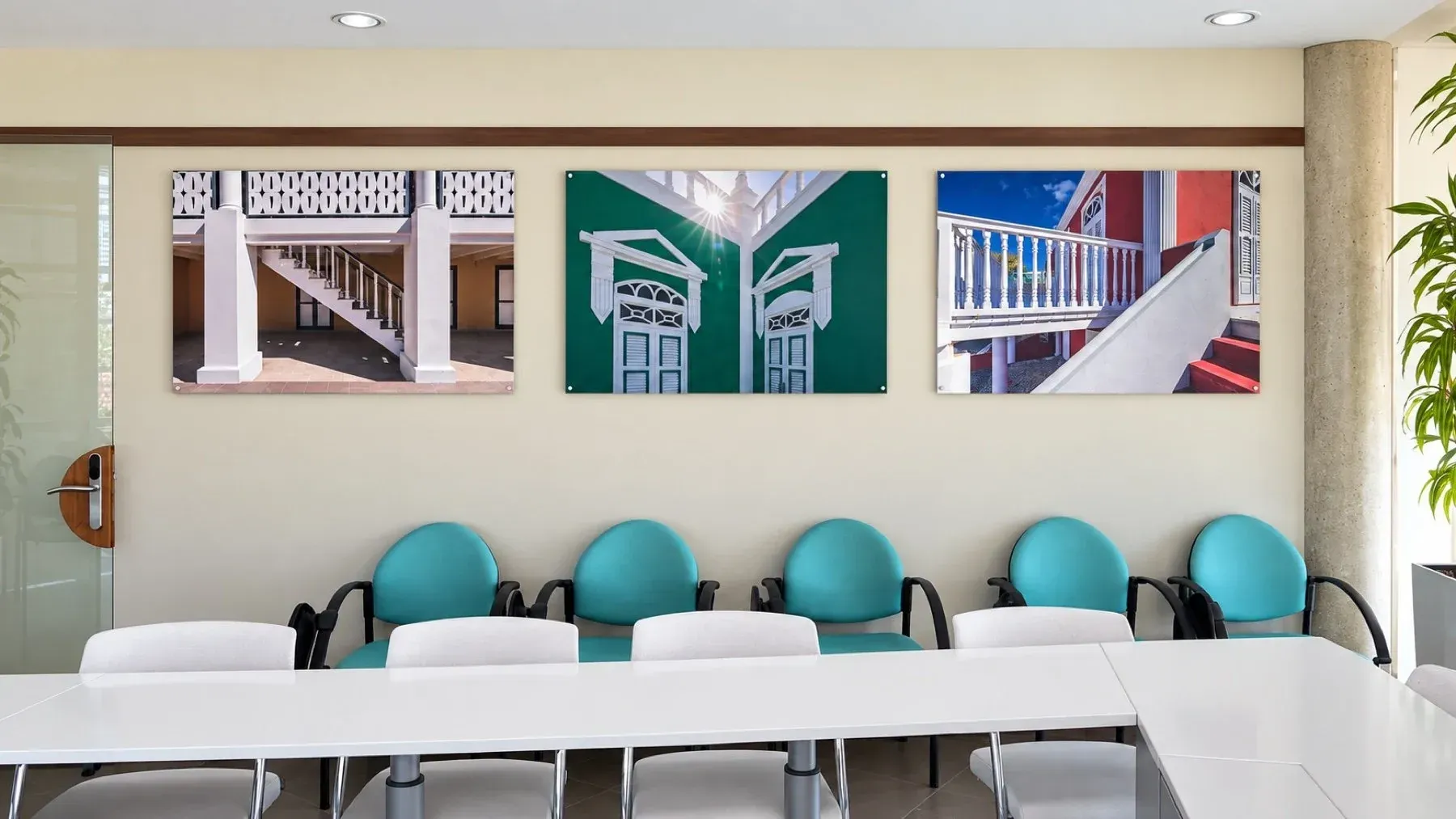
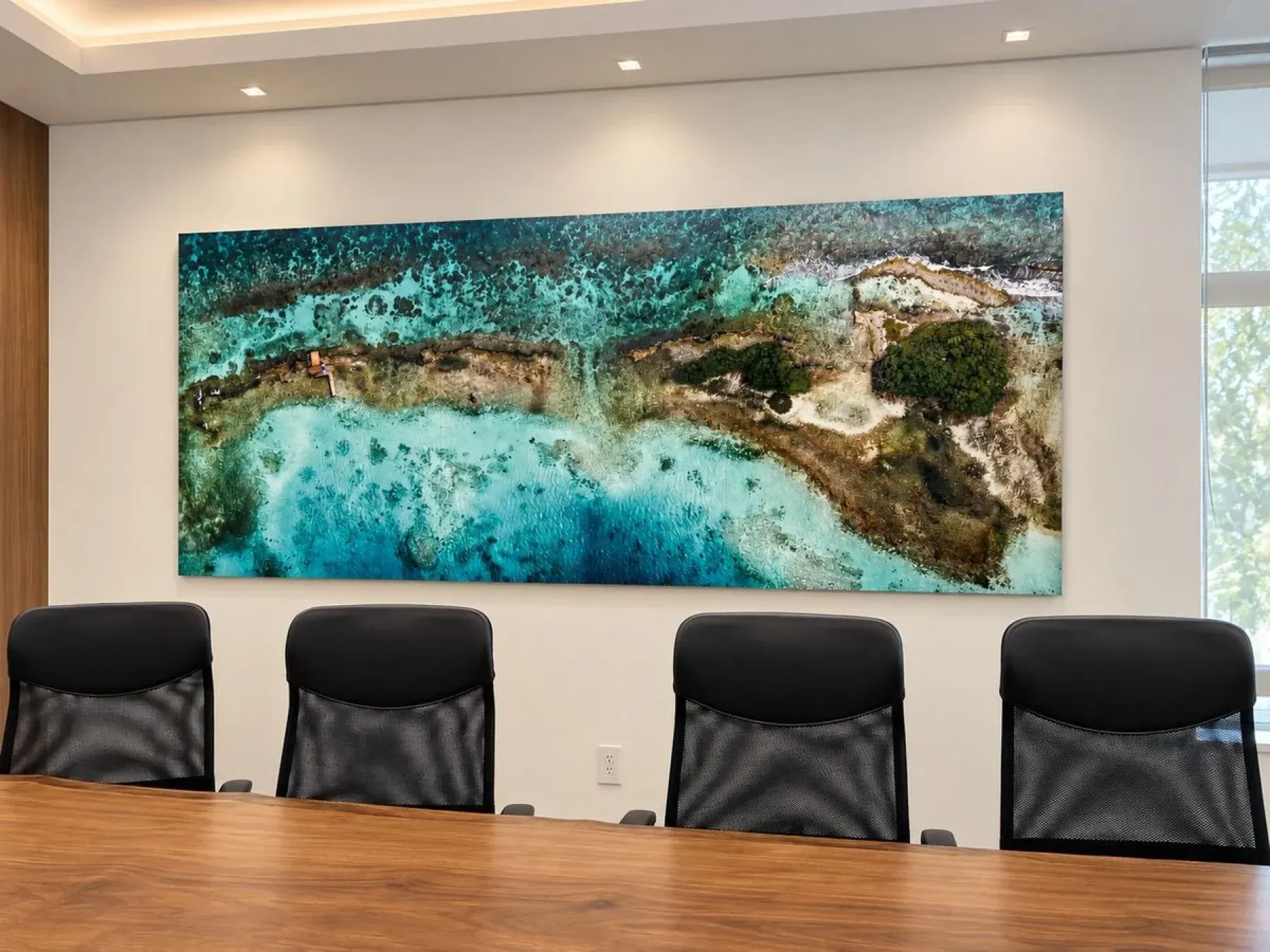
Reception features 1 / 5
CORPORATE & HOSPITALITY
One space or an entire property.
Create a coordinated collection for hotels, offices, restaurants, and complete interiors. As Duraluxe™ distributors, we handle high-volume production locally in Aruba, including very large metal prints and decorative panels.
Package pricing, built around your project.
We tailor each quotation to your quantities, sizes, finishes, and mounting requirements. A consultation helps us plan the right combination for your space and schedule.
Share your measurements, ideas, quantities, and preferred completion date to get started.
Request a project consultationDURALUXE™ SURFACE COMPARISON
Explore finishes up close.
Compare smooth, lightly textured, and specialty surfaces. Choose a finish, then switch between the close-up and a full-print example.
Hover for a 15% closer view, or swipe to change finish. Photographs illustrate the surfaces; lighting and magnification vary. Visit us to compare physical samples.
Durability & exterior suitability
Satin and Texture (Canvas) have highly scratch-resistant coatings, rated 9 out of 10 by Duraluxe™—a practical advantage for hotels, offices, and other busy commercial spaces. We choose exterior-grade panels wherever available.
| Finish | Scratch resistance | Placement |
|---|---|---|
| Gloss | 6/10 | Exterior Grade |
| Satin | 9/10 | Exterior Grade |
| Matte | 7/10 | Exterior Grade |
| Canvas | 9/10 | Exterior Grade |
| Ice Touch | 8/10 | Exterior Grade |
| Salt Lake | 10/10 | Interior only |
| Wall Sky | 10/10 | Interior & exterior |
| Glow | 6/10 | Interior only |
Manufacturer’s 0–10 coating scratch-resistance ratings; not a scratch-proof guarantee. Exterior suitability is separate from scratch resistance. Select Glow to compare the lights-on and lights-off room views.
CHOSEN FOR ARUBA
Exterior-grade quality. Beautiful indoors, too.
Not all metal prints are made for the same conditions. Duraluxe™ offers interior- and exterior-grade options. At 4D Photo Bar, we choose the exterior grade wherever it is available for your selected finish and format—even for indoor displays.
Aruba’s intense light makes the coating an important part of your choice. Our preference for exterior-grade Duraluxe™ brings enhanced UV resistance to artwork for bright homes, commercial interiors, and suitable outdoor installations.
Exterior-grade finishes
Gloss, Satin, Matte, Texture (Canvas), Ice Touch, and Wall Sky. We’ll help confirm the right finish and mounting for your location.
Interior-only finishes
Salt Lake and Glow offer distinctive decorative effects for indoor spaces. They are not exterior-grade alternatives.
Durability for busy spaces: Satin and Texture (Canvas) feature highly scratch-resistant coatings, rated 9 out of 10 on Duraluxe’s scratch-resistance scale—a practical advantage for commercial wall displays.
Our budget metal is a separate, lower-cost option for short-term indoor use away from direct sunlight. For lasting displays in Aruba, we recommend Duraluxe™. Finish, exposure, installation, and care all affect longevity.
A CLOSER LOOK
A slim edge. Two ways to display it.
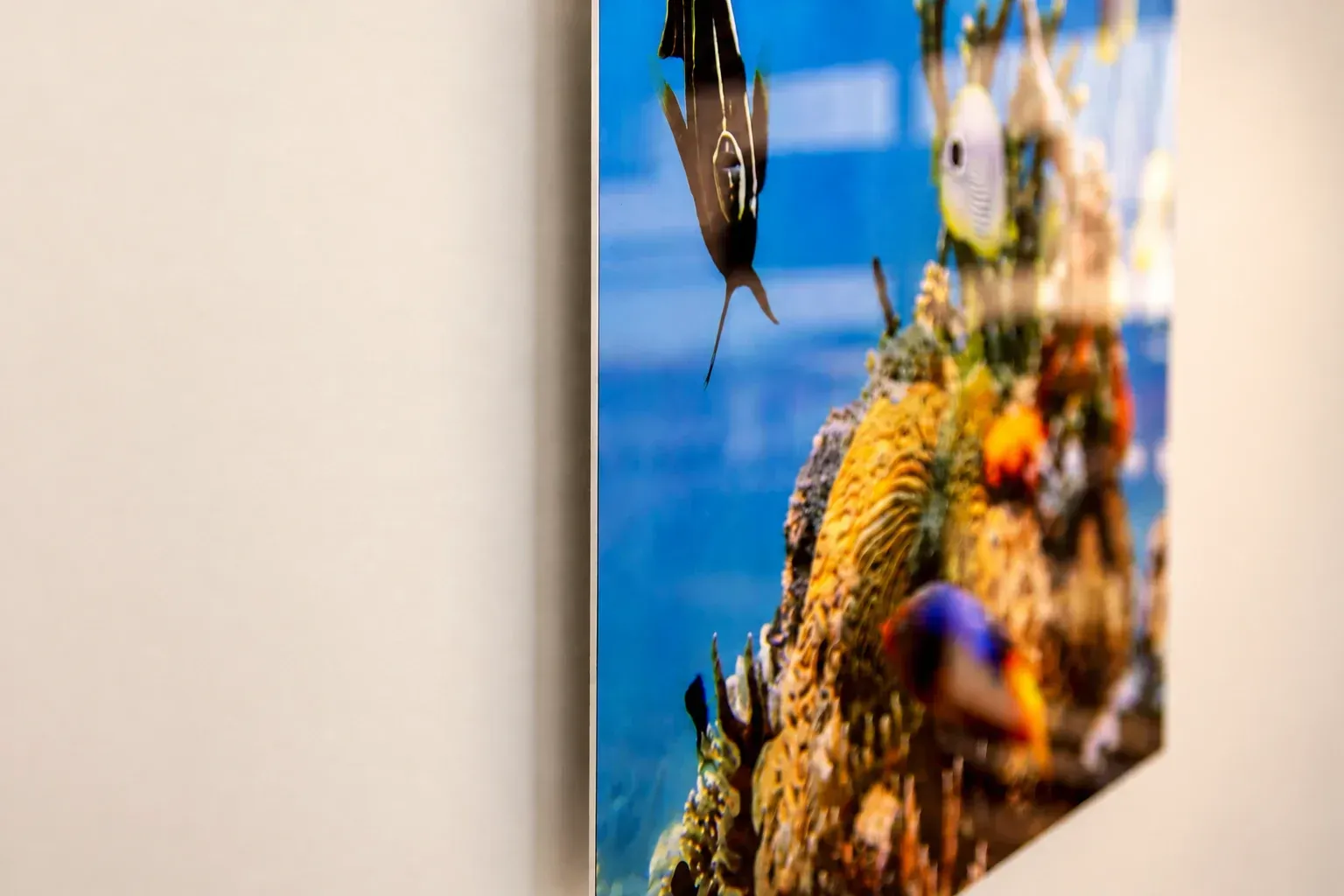
Clean edge. Hidden mount.
Your image reaches the edge of the thin aluminum panel, with an exposed silver edge and 1/8-inch rounded corners. A concealed mount creates space from the wall and a soft shadow, keeping the attention on your photo.
Edge detail visualization.
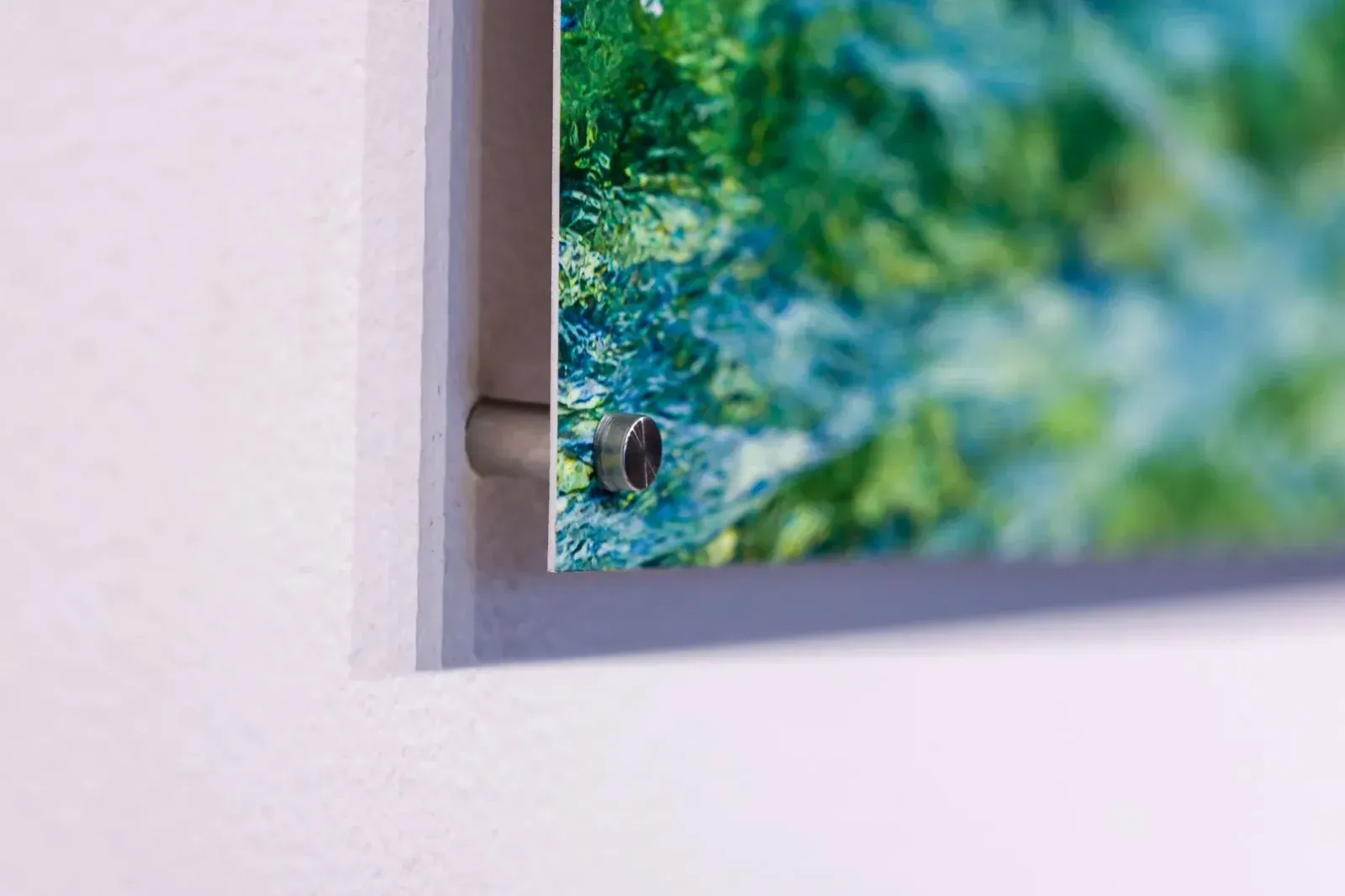
Standoffs. A visible detail.
Round metal caps secure the panel through prepared holes, while spacers hold it away from the wall. The visible hardware becomes part of the display.
Actual standoff installation. We’ll help confirm hardware and placement for your panel.
READY FOR YOUR SPACE
Choose how it’s displayed.
Floating wall mounts create a clean look with space between the panel and wall.
Standoffs make the fixing points part of the design. Tabletop supports suit smaller prints displayed on a desk or shelf.
Ask us about a frame, a multi-panel installation, or mounting for your wall surface.
Plan your display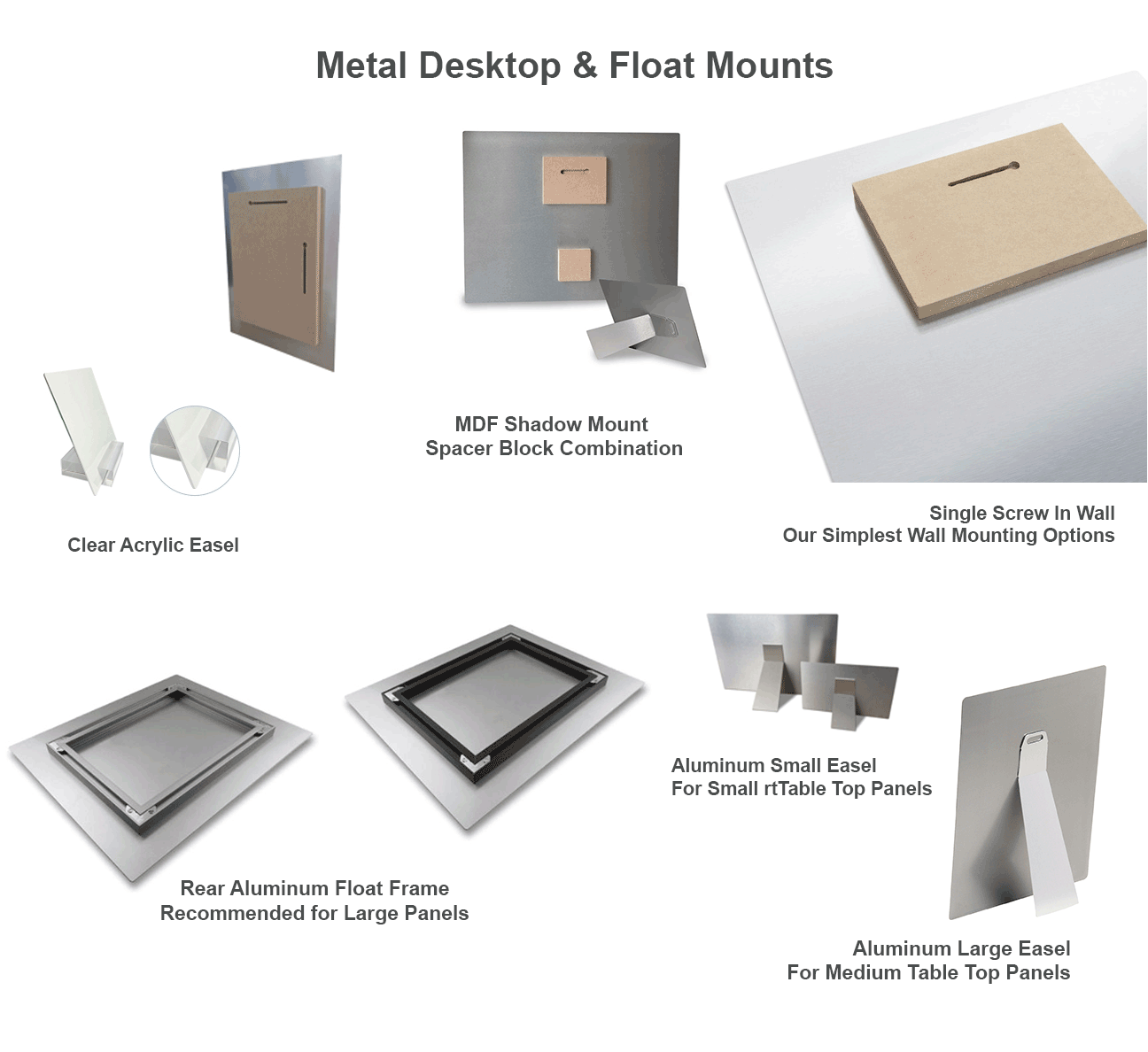
INDOORS & OUTDOORS
The right metal for the setting.
Duraluxe uses a powder-coated aluminum surface for sublimation printing. Its range includes finishes developed for outdoor use, alongside indoor specialty surfaces. Tell us where the print will go so we can match the coating and mounting to the setting.
For direct sun, exposed locations, or a larger installation, contact us before ordering to confirm the material, mounting, and care requirements.
Discuss an outdoor projectFIND YOUR SIZE
Small keepsakes. Big impressions.
Explore the formats listed in our Metal Prints ordering tool. Select your size, orientation, surface, and layout to see the available choices and price.
Small & tabletop formats
Wall prints
Large formats & panoramas
Listed formats are from the current ordering tool; not every size, surface, and layout combination is available. Specialty shapes and business-card formats are also listed online. The preview tools show rectangular artwork.
Choose a size & see pricingA FEW HELPFUL DETAILS
Before you create your print.
How is a metal print made?
We use heat and pressure to infuse sublimation inks into the coated surface of an aluminum panel, creating a detailed print with a slim, contemporary profile.
The quality of the coating and inks plays a major role in how well a print retains its color over time. Our Duraluxe™ panels use a patented coating technology that gives each finish its distinctive surface properties. Most Duraluxe™ interior finishes already offer UV resistance. Whenever available for your chosen finish and format, we use exterior-grade Duraluxe™ metal for significantly increased UV resistance compared with standard metal, with graffiti resistance on selected finishes. Longevity still depends on the finish, exposure, and care.
Our budget metal offers beautiful color at a lower price and is best suited to short-term indoor displays, away from direct sunlight. It does not provide the same fade resistance as Duraluxe™ and is not our recommendation for lasting displays in Aruba’s intense light. For longer-lasting artwork, we recommend Duraluxe™ and can help you choose the right finish for your space.
Can I add several photos or text?
Yes. Use the freestyle product to arrange your photos and text, or browse the prepared Metal designs. Review the crop of every image before ordering.
What if my photo needs more resolution?
Start with the original camera file and use the checker above. Add resolution enhancement is an optional service at Afl. 29 per printed item. It may improve some images, but it cannot guarantee missing detail or fix missed focus.
Can you help with a custom project?
We can discuss coordinated walls, display panels, signage, awards, and other custom metal applications. Share your dimensions and intended location so we can confirm the material, layout, mounting, and quote.
How should I care for my metal print?
Clean gently with mild soap and water and a clean, soft, lint-free cloth, such as a microfiber cloth suitable for optical lenses. Wipe lightly, remove any soap residue with a water-dampened cloth, and gently dry.
Do not use alcohol, Windex or other glass cleaners, solvents, abrasive cleaners, or scouring pads. Keep the cloth free of grit and avoid scrubbing the surface.
Selected Duraluxe™ finishes offer graffiti resistance, making them a practical choice for suitable public or outdoor settings. This does not mean every finish can be cleaned in the same way. For graffiti or stubborn marks, contact us for finish-specific guidance before using any other cleaning product.
How long will my order take?
Panels with a longest side under 20 inches: allow approximately 3 working days from receipt of full payment. Orders are often ready sooner.
Panels with a longest side of 20 inches or more: allow approximately 5–10 working days. Larger prints require additional production time. Contact us for a more accurate estimate based on your size, finish, mounting, and quantity.
Need it sooner? Rush service is available on request, subject to approval and an additional fee. Please confirm availability, the fee, and your required date with us before ordering.
Production times are estimates, not guaranteed completion dates. Submitting an order does not start production; full payment must be received first. Working days exclude weekends and public holidays. Larger orders and busy periods may require additional time. Please wait for your ready-for-collection notification before visiting. See our Terms & Conditions.
FROM YOUR CAMERA TO YOUR WALL
Start with a photo you love.
Choose a size, add your images, and make it personal.
Create your metal print